Bringing Modern Workspaces to Life Through Photorealistic 3D Visualization
Step inside WeWork’s newest coworking concept visualized by Rapid Renders with precision, realism, and emotion. From open lounges to creative cafés, every render captures the energy, light, and design spirit that define WeWork’s spaces
Project Overview
WeWork – Bringing Life Into Every Corner
When WeWork reached out, their vision was clear: to bring their new coworking concept to life — even before the first wall was built. As an experienced 3D interior rendering service, our mission was to transform their architectural plans into something clients could feel — not just see.
WeWork already had a detailed 3D model of the interior, but it needed warmth, realism, and atmosphere. Our team focused on the details that breathe life into a space — furniture, textures, lighting, and ambiance that mirror WeWork’s creative energy and modern design philosophy.
When WeWork approached us, their goal was to bring their new coworking space concept to life before construction began.
They already had a detailed 3D model of the interior, and our job was to turn it into something truly visual — warm, realistic, and full of life. We focused on adding furniture, decorative details, materials, and textures that reflect WeWork’s creative energy and modern design philosophy.
The result? A set of realistic 3D visuals that make you feel like you’re already there — sipping coffee, chatting with colleagues, and soaking in the city views.
1. Building on the shared 3D model We started with the interior model provided by WeWork. From there, our focus was on furnishing and styling the space — adding chairs, tables, plants, and soft décor elements that define WeWork’s cozy yet modern look.
2. Texturing and materials We carefully developed realistic materials — from soft leather sofas and wooden flooring to concrete ceilings and metal fixtures. Every texture was fine-tuned to reflect how it would look in real life under natural light.
3. Lighting that feels real Lighting was key. We used HDRI daylight setups to bring in soft, natural illumination through the large glass windows, highlighting the interior finishes and giving every corner a fresh, airy feel.
4. Composition and storytelling Every render was composed to highlight the connection between work, comfort, and community — showing how people interact naturally within the space. Lean more
A design that balances productivity and relaxation
Natural lighting that feels warm and inviting
Every texture crafted with care — leather, wood, glass, and greenery
Consistent visual language across all renders for brand harmony
Tools We Used
We built the entire scene using 3ds Max and V-Ray, then refined the final look in Photoshop to enhance lighting and tone.
Outcome
The WeWork team loved how the visuals reflected their brand — not just as an office, but as a living, breathing space where people connect and create. The project proved once again how powerful 3D visualization can be when used to tell a story, not just show a design.
The Final Result
The result was a collection of photorealistic 3D renders that perfectly balanced modern design and human warmth. Each image showcased how WeWork’s spaces encourage collaboration, creativity, and comfort — from social zones to quiet focus areas.
These visuals became a key part of WeWork’s presentation and marketing material, helping them communicate the design vision to investors and internal teams before a single tile was laid.
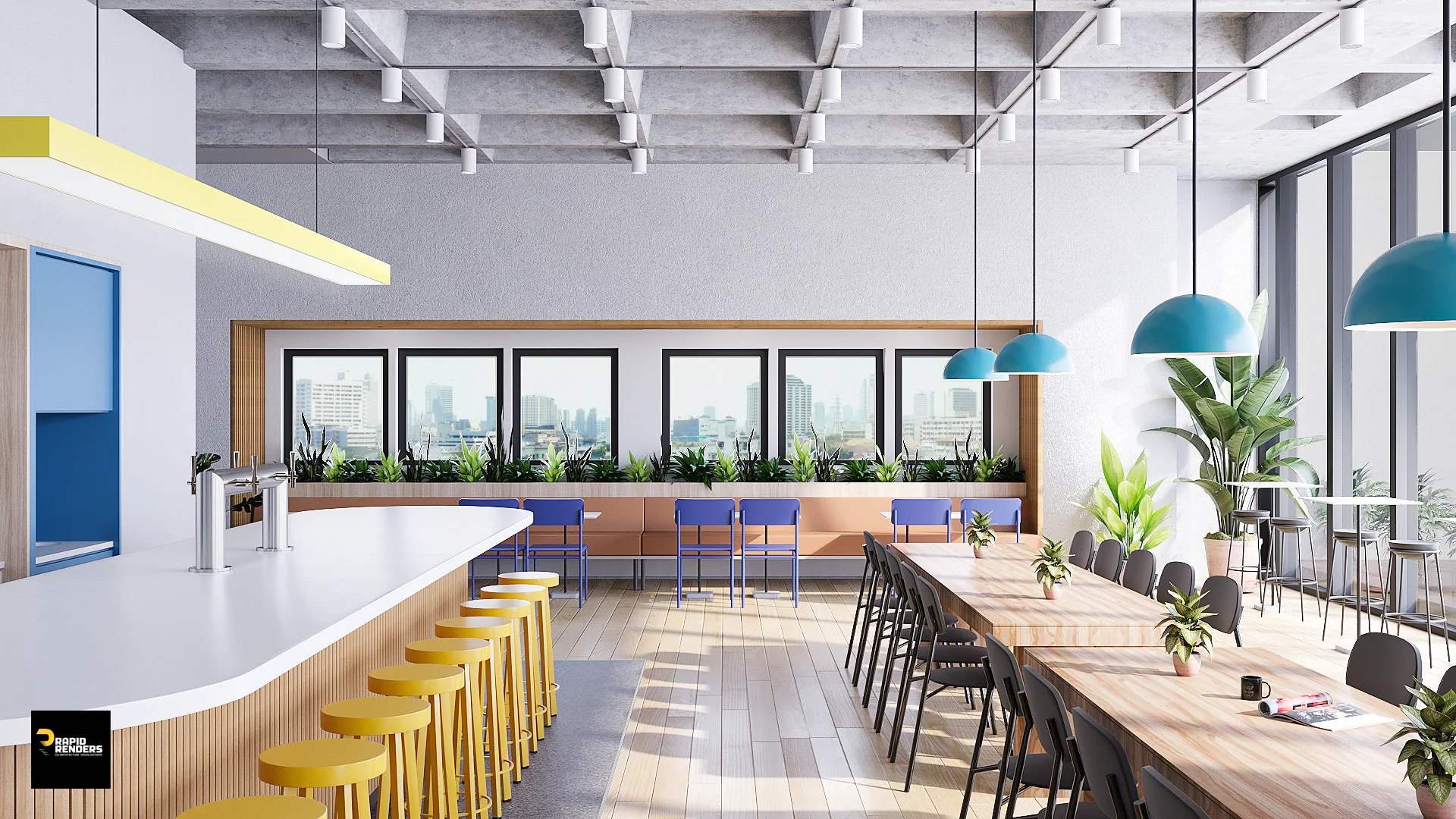
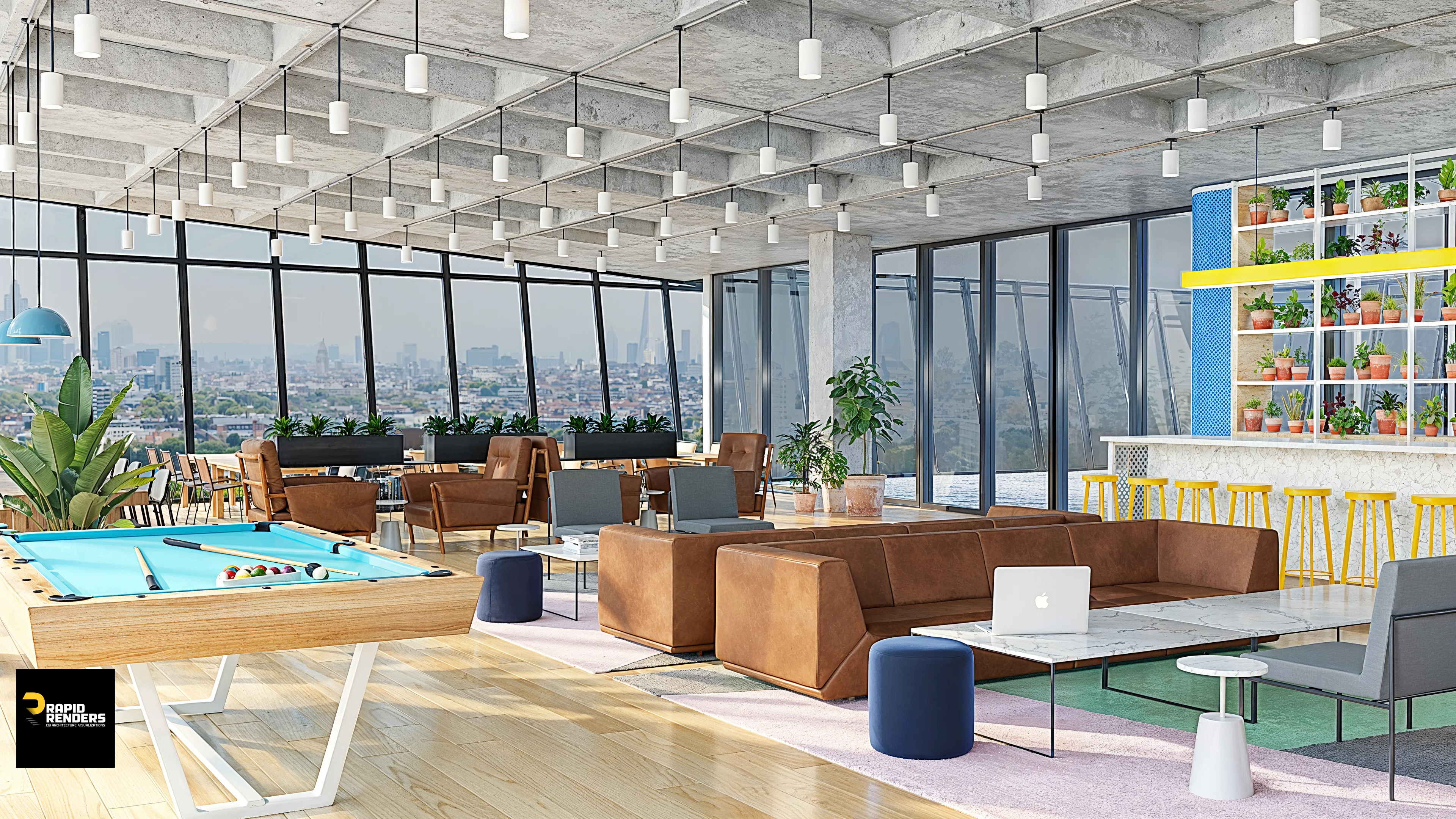
A fun, energetic bar and dining zone rendered for WeWork, blending modern materials and natural light.
A warm and lively open workspace rendered in 3D for WeWork, highlighting natural light and dynamic interior flow.
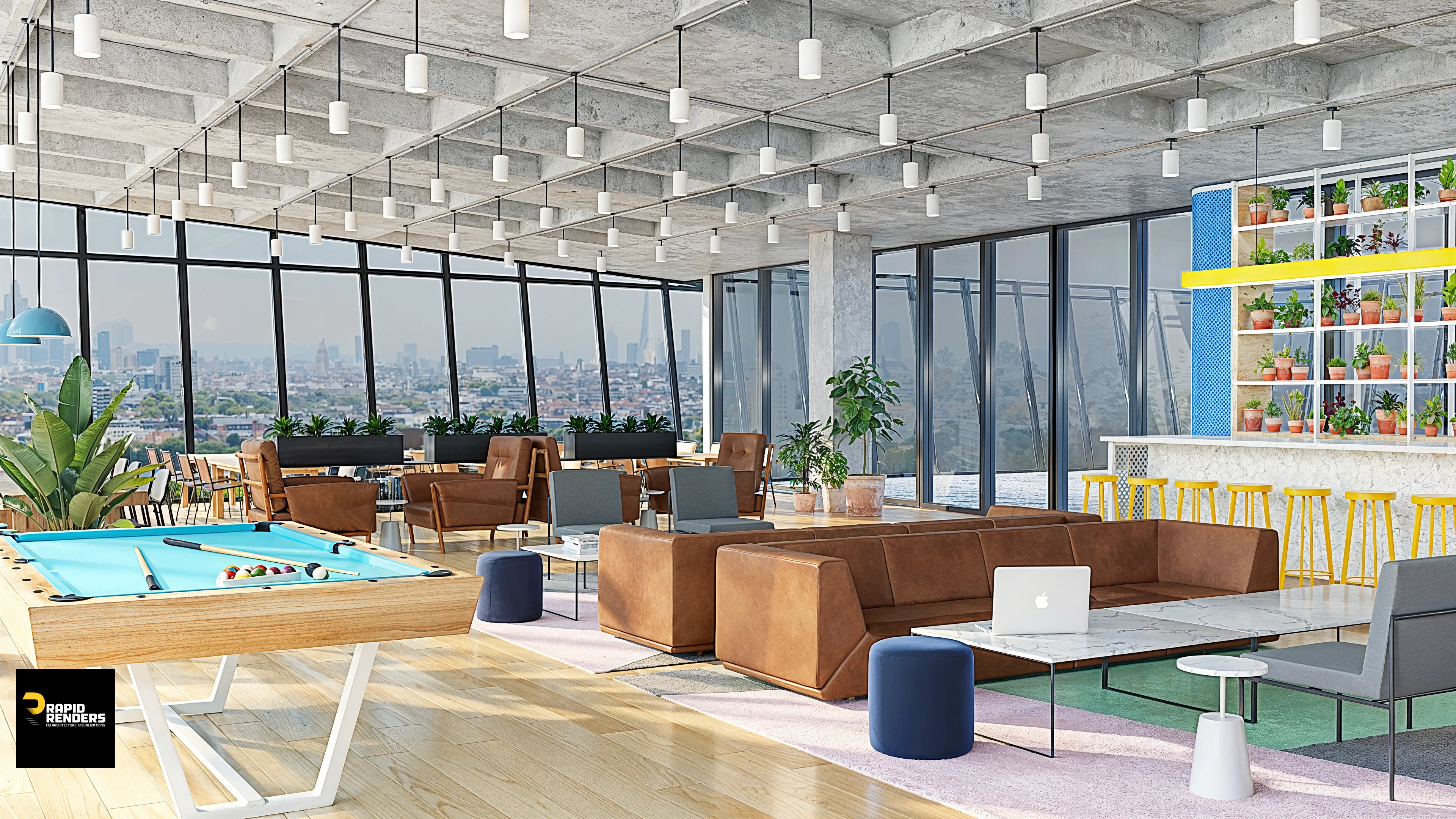
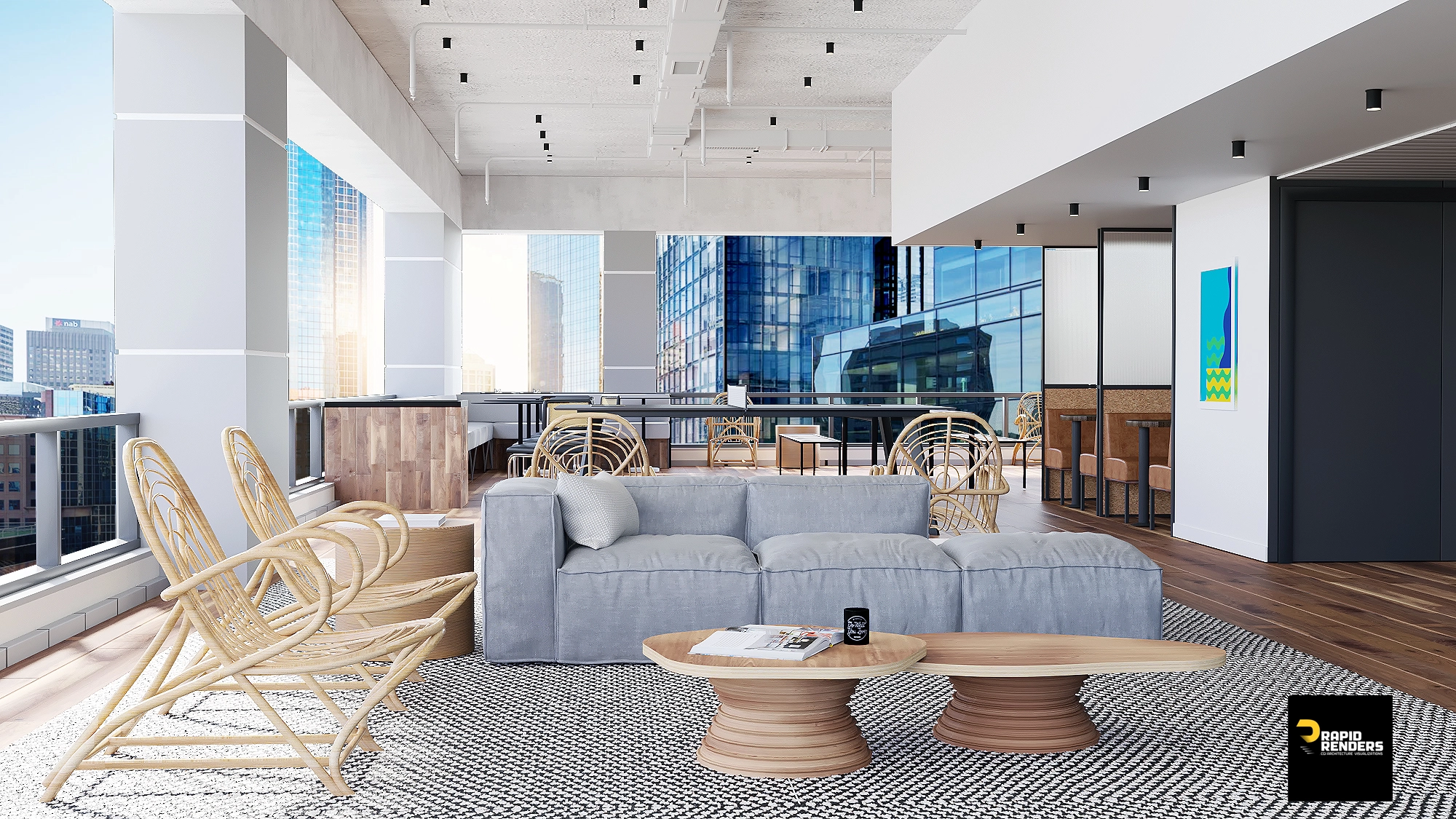
The café and lounge area brought to life through detailed 3D rendering, showcasing WeWork’s modern design aesthetic
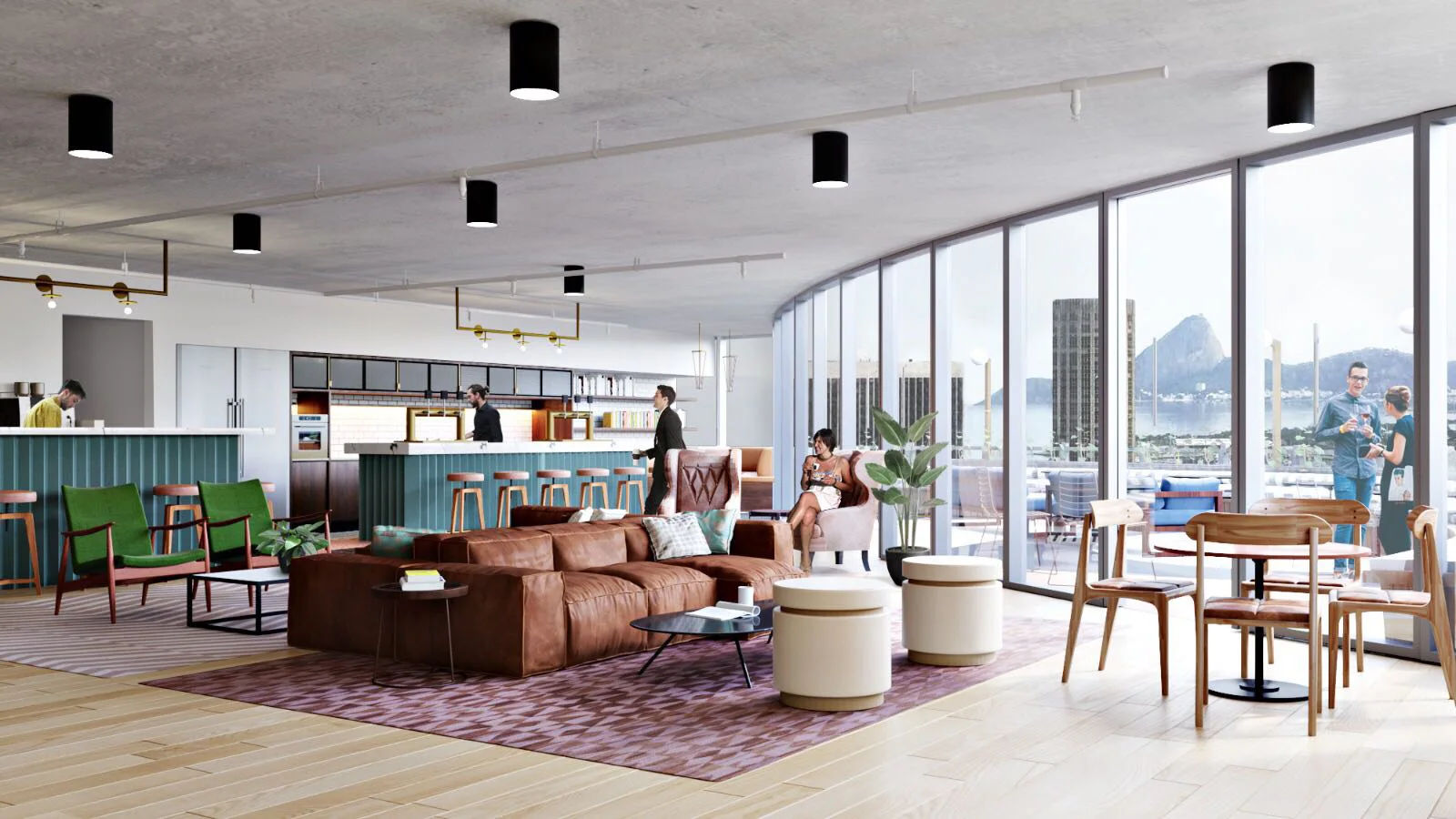
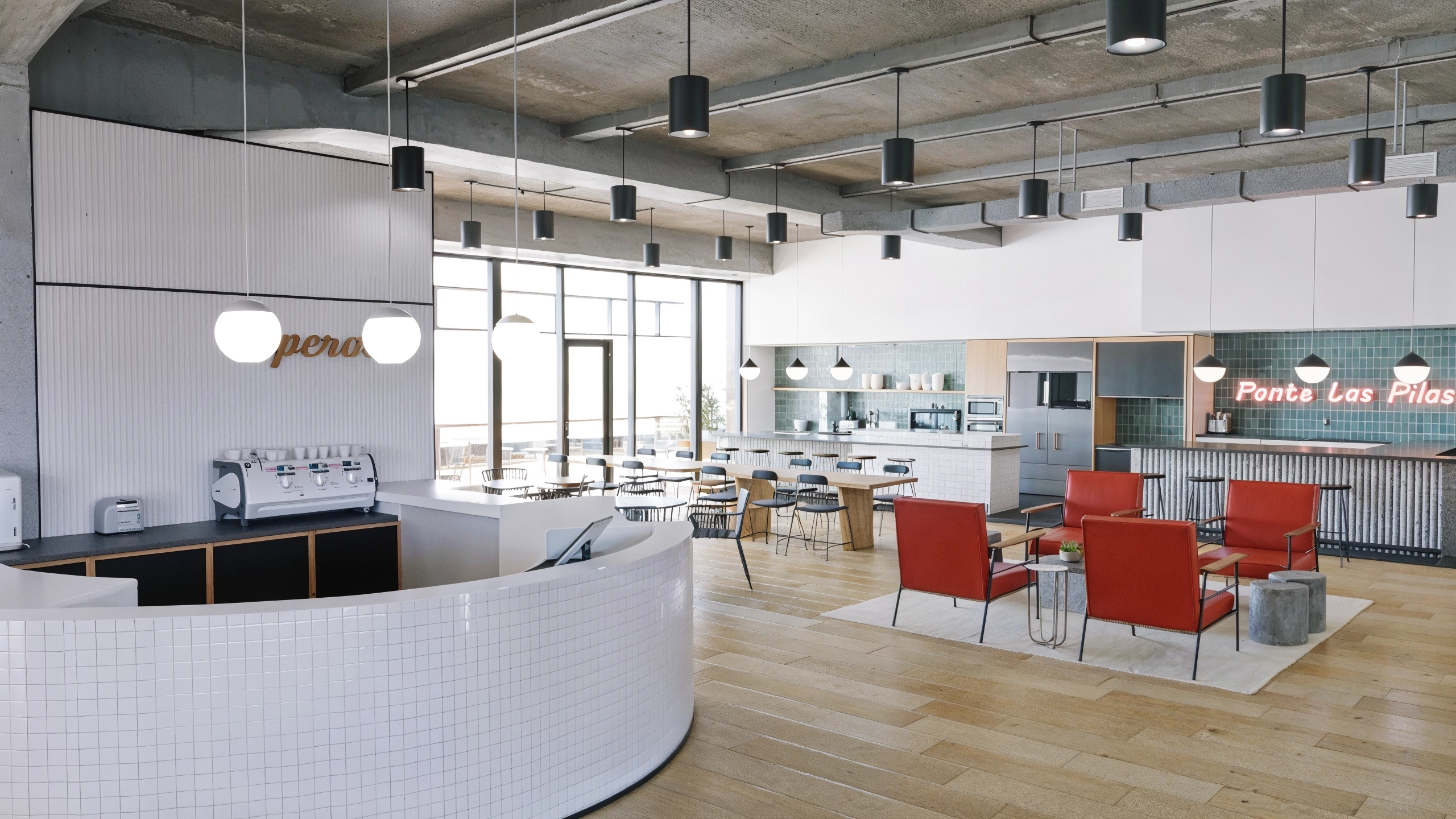
A bright reception and café-style kitchen visualized for WeWork, capturing design flow and texture realism
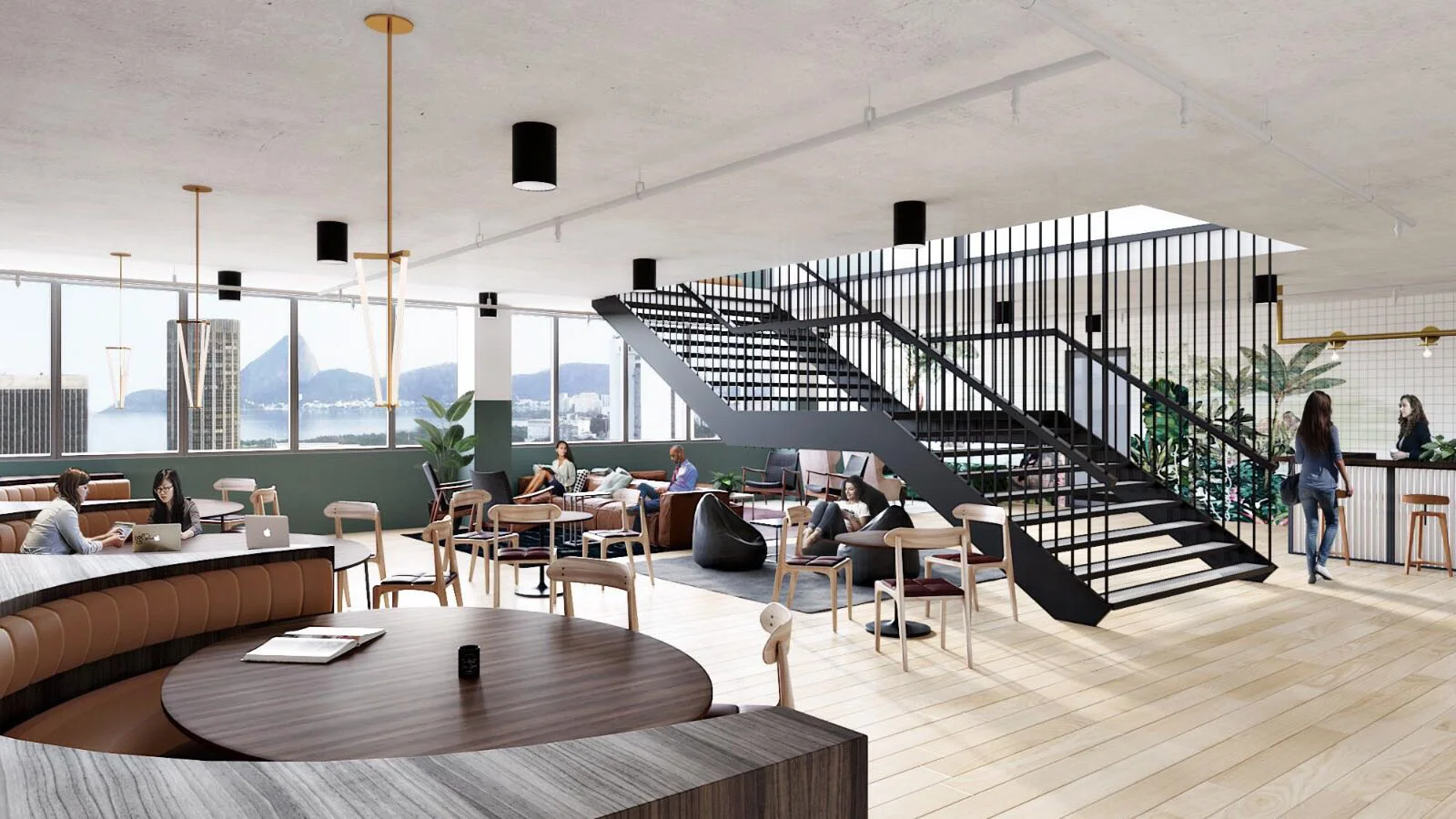
A central staircase view highlighting spatial design and atmosphere in WeWork’s coworking environment.
An airy terrace lounge visualization showcasing WeWork’s connection between indoor comfort and outdoor views.
FAQs
1. What was the goal of this project? To help WeWork visualize their coworking space design through detailed, realistic 3D renders for presentations and marketing.
2. How long did it take? The project was completed within 2–3 weeks, from modeling to final post-production.
3. What makes these renders unique? They tell a story — not just about a space, but about the people, light, and atmosphere that bring it to life.
4 What is the cost of this kind of project?
The cost for a project like this depending on the number of views, level of detail, and styling requirements. We also offer flexible pricing based on project scope and turnaround time. If you need to know know about the 3D rendering prsing look at your